
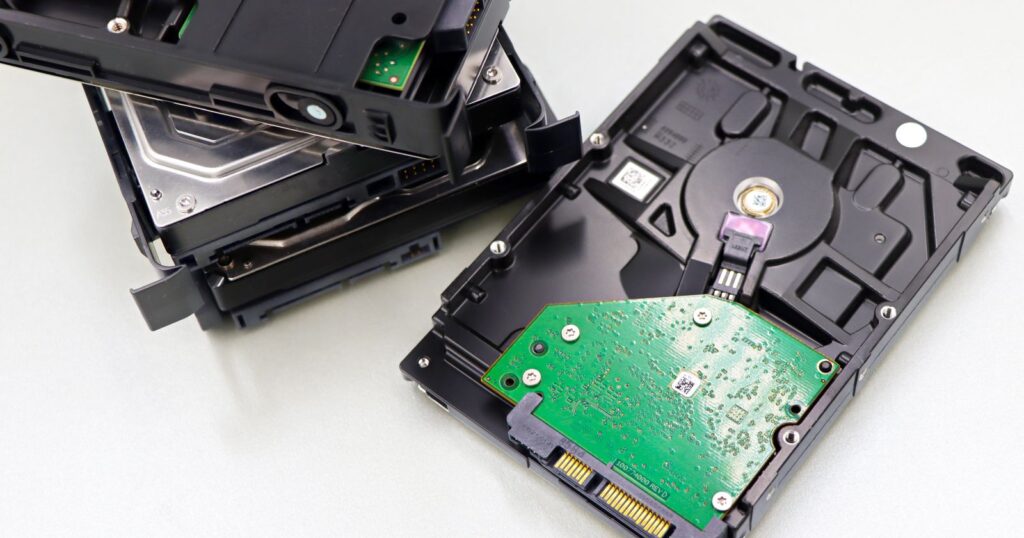
Object, block or file storage? A plain-English guide to how each storage type works, which workloads it suits and what to ask before you buy.
Choosing storage starts with understanding the three main ways data can be stored and accessed. Each suits different workloads, and most organisations use all three.
Block storage
Block storage presents raw volumes to a server, which formats them with its own file system. It offers low latency and consistent performance, making it the usual choice for databases, virtual machines and transactional applications. It is typically accessed over storage networks or attached directly, and in the cloud as virtual disks attached to instances.
File storage
File storage organises data in a familiar hierarchy of folders and files, shared over network protocols such as SMB and NFS. It suits shared team drives, home directories, content repositories and applications that expect a shared file system. Scale-out file systems extend this model to very large capacities.
Object storage
Object storage keeps data as objects in a flat namespace, each with an identifier and metadata, accessed over HTTP APIs — most commonly the S3-compatible API. It scales to very large volumes at a low cost per gigabyte and is ideal for backups, archives, media, data lakes and cloud-native applications. Many object stores also support object lock for immutable backups.
Quick comparison
| Type | Best for | Access |
|---|---|---|
| Block | Databases, VMs, transactional apps | Volumes attached to servers |
| File | Shared drives, collaboration, legacy apps | SMB / NFS shares |
| Object | Backup, archive, media, data lakes | HTTP / S3-compatible API |
Questions to ask before you buy
- What performance (latency and throughput) does each workload actually need?
- How fast is capacity growing, and how will the system scale?
- Which data protection features are included — snapshots, replication, immutability?
- How is data encrypted at rest and in transit, and who manages the keys?
Best practices when choosing storage
The right answer is usually a mix of object, block and file storage. These practices help you match each workload to the most suitable option and avoid costly re-platforming later.
- Profile the workload. Measure IOPS, throughput, latency sensitivity, read/write ratio and typical file or object sizes before choosing.
- Consider how applications access data. Databases and virtual machines expect block devices, shared departmental data expects file protocols such as SMB or NFS, and cloud-native applications usually expect an S3-compatible API.
- Plan for growth. Object storage scales to billions of objects; traditional file systems can struggle with very large numbers of small files.
- Design protection in. Decide how snapshots, replication, backup and immutability will work for each type before data arrives.
- Compare total cost. Include capacity, performance tiers, data protection, management effort and, in the cloud, request and egress charges.
Typical workload fit
- Block: transactional databases, virtual machine disks, ERP systems and other latency-sensitive applications.
- File: home directories, departmental shares, media editing and applications that need shared POSIX or SMB access.
- Object: backups, archives, data lakes, images and video, log retention and cloud-native application data.
Common mistakes to avoid
- Placing analytics data lakes on expensive block storage.
- Using file shares as an application integration layer.
- Assuming object storage is suitable for workloads that require frequent small in-place updates.
Frequently asked questions
Can one platform provide all three?
Many unified storage systems and cloud providers offer block, file and object services, but performance characteristics still differ by access method.
Is object storage secure enough for sensitive data?
Yes, when configured with encryption, strict bucket policies, access logging and immutability where appropriate. Misconfigured public access is the main risk.
A practical selection process
Begin by grouping applications by how they read and write information: transactional systems, shared collaboration content, large unstructured archives and analytics datasets. For each group, record capacity today and in three years, performance requirements and protection needs. Shortlist platforms that meet the requirements, then run a proof of concept with real workloads rather than synthetic benchmarks alone.
Remember that the choice is rarely permanent. Many organisations start on one platform and migrate as volumes grow, so favour open protocols and avoid features that make it hard to move later.
Questions to ask vendors
- What latency and throughput do you achieve with workloads similar to ours?
- How do snapshots, replication and ransomware protection work?
- How does capacity expand, and is there downtime during upgrades?
- Which protocols and APIs are supported natively?
- How are licences and support priced as capacity grows?
Key terms explained
- IOPS: input and output operations per second, a measure of transactional performance.
- Throughput: the volume of data transferred per second.
- Namespace: the single directory or bucket structure through which users see their content.
- Erasure coding: a protection method that spreads data and parity across many drives or nodes.
The bottom line
Each storage type exists because it solves a different problem well. Transactional systems need low-latency block devices, collaborative content suits shared file systems and large unstructured archives fit scalable object platforms. Profile workloads, consider access methods, plan for growth and protection, and compare total costs before deciding. Favour open protocols so you can change platforms as requirements evolve, and review placement regularly as applications and volumes change.
Further reading on object, block or file storage
For authoritative, vendor-neutral guidance on object, block or file storage, see SNIA, the Storage Networking Industry Association. You can also browse our free whitepapers.